
Email Marketing, BLOG, Marketing & SEO
Mailchimp Ecommerce Marketing: 7 Easy Ways to Boost Online Store Sales
Nov
Mailchimp Ecommerce Marketing helps online businesses connect with customers, promote products, and automate email campaigns. With the right strategy, online stores can improve customer engagement, encourage repeat purchases, and support long-term growth.
This guide covers Mailchimp’s key features, benefits, and practical steps to use email marketing for your e-commerce store.
What Is Mailchimp Ecommerce Marketing and How Does It Work?
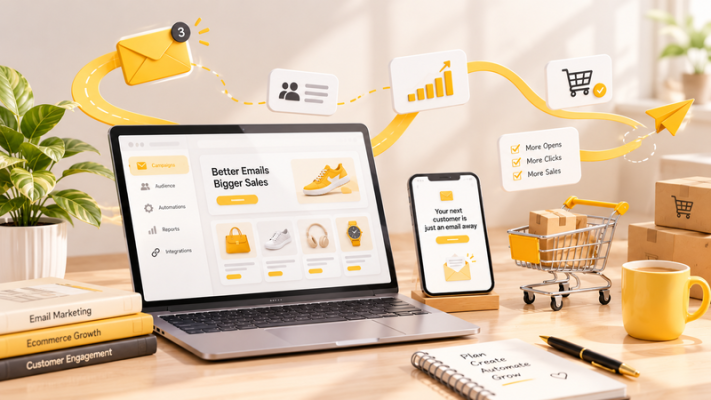
Mailchimp Ecommerce Marketing refers to using Mailchimp’s email marketing and automation tools to communicate with online shoppers throughout their customer journey.
By connecting an online store to Mailchimp, businesses can sync supported customer and order information, create targeted email campaigns, and automate messages based on customer activity.
How Mailchimp Supports E-commerce Businesses?
Mailchimp Ecommerce Marketing helps online stores manage customer communication through several marketing activities:
- Promotional emails: Announce new products, discounts, and special offers.
- Customer segmentation: Organize subscribers based on interests and purchase behavior.
- Email automation: Send messages automatically after specific customer actions.
- Campaign tracking: Monitor email performance and customer engagement.
These features help businesses communicate with customers consistently without manually sending every email.
Mailchimp Integration with Shopify and WooCommerce
Mailchimp supports integrations with popular e-commerce platforms, including Shopify and WooCommerce.
With Mailchimp Shopify integration, store owners can connect their Shopify store and use supported customer and purchase data to create targeted campaigns and marketing workflows.
Similarly, Mailchimp WooCommerce integration connects a WooCommerce store with Mailchimp. This allows businesses to use available e-commerce data to organize audiences and support email marketing activities.
Both integrations help store owners manage customer communication from their e-commerce operations.
Benefits of Using Mailchimp for Online Stores
Using Mailchimp Ecommerce Marketing can provide several advantages:
- Better customer targeting: Send relevant emails based on customer information and shopping behavior.
- Time-saving automation: Schedule emails and automate follow-ups.
- Improved engagement: Keep customers informed about products and promotions.
- Performance tracking: Review campaign results and identify opportunities for improvement.
What Are the Key Mailchimp Ecommerce Marketing Features?
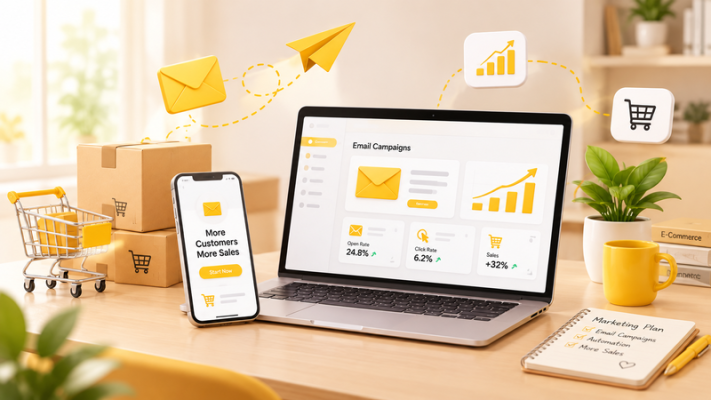
Understanding Mailchimp Ecommerce Marketing features helps businesses choose the right tools for their marketing goals. Mailchimp offers several options for managing campaigns, organizing audiences, and building customer relationships.
Email Campaigns and Customer Segmentation
Email campaigns allow businesses to communicate with subscribers through newsletters, product announcements, seasonal promotions, and special offers.
Customer segmentation makes these campaigns more relevant. Instead of sending the same email to everyone, businesses can divide their audience based on:
- Purchase history
- Customer engagement
- Product interests
- Location and available customer information
For example, an online clothing store could send new product announcements to customers interested in a particular product category.
E-commerce Marketing Automation and Abandoned Cart Emails
Marketing automation allows businesses to send emails automatically when customers perform certain actions.
One common example is abandoned cart email automation. These messages remind eligible shoppers about products they added to their carts but did not purchase.
Other automation examples include:
- Welcome emails for new subscribers.
- Product follow-ups after a customer views or purchases an item.
- Re-engagement emails for inactive customers.
These workflows help businesses maintain communication with shoppers at important points in the buying journey.
Welcome Emails and Customer Retention Campaigns
Welcome emails introduce new subscribers to a brand and provide useful information about its products, services, or offers.
After a purchase, businesses can also send follow-up emails to thank customers, share relevant product recommendations, or encourage another purchase.
Customer retention campaigns help maintain long-term relationships instead of focusing only on acquiring new buyers. Consistent and relevant communication can encourage shoppers to return.
How to Use Mailchimp Ecommerce Marketing: 4 Practical Steps?
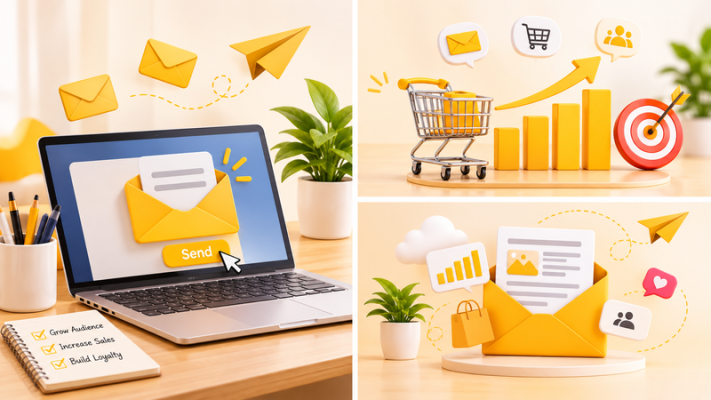
Getting started with Mailchimp Ecommerce Marketing does not require a complicated strategy. Follow these four steps to connect your store and build your first e-commerce email campaigns.
Step 1: Create a Mailchimp Account and Connect Your Online Store
First, create a Mailchimp account and choose a plan that fits your business needs.
Next, connect your e-commerce platform:
- Open the Integrations section in Mailchimp.
- Find your platform, such as Shopify or WooCommerce.
- Follow the connection instructions and authorize the integration.
- Select the audience you want to connect.
- Review your settings and complete the data synchronization.
Once connected, Mailchimp can receive supported customer and order information from your store.
Step 2: Organize Your Audience and Create Customer Segments
After syncing your store data, organize your audience to make future campaigns more targeted.
You can create segments based on customer behavior, purchase history, or engagement. For example, separate first-time buyers, repeat customers, and subscribers who have not purchased yet.
Make sure your email list is collected appropriately and that your marketing messages comply with applicable consent and email marketing requirements.
Step 3: Create Email Campaigns and Set Up Automation
With your audience ready, start creating email campaigns that match your marketing goals.
For example, you can:
- Create a promotional email to announce new products or discounts.
- Set up a welcome email for new subscribers.
- Build an abandoned cart workflow for eligible shoppers.
- Create post-purchase emails to follow up with customers.
Before activating an automation, review its trigger, timing, audience conditions, and email content to ensure customers receive the right message.
Step 4: Monitor Performance and Improve Your Campaigns
After sending your campaigns, review key performance metrics such as:
- Open rate: Shows how many recipients opened your emails.
- Click rate: Measures how many recipients clicked links in your emails.
- Conversion rate: Helps evaluate how many recipients completed a desired action.
- Revenue: Shows the sales attributed to your email marketing, where tracking is available.
Use these insights to test subject lines, improve email content, adjust sending times, and refine customer segments.
For more ideas, explore our email marketing guide and e-commerce marketing strategies.
Conclusion
Mailchimp Ecommerce Marketing provides online businesses with useful tools to manage email campaigns, organize customer data, and automate customer communication. By understanding how Mailchimp Ecommerce Marketing works, businesses can create targeted campaigns, improve customer engagement, and encourage repeat purchases.
Whether you run a Shopify or WooCommerce store, applying the right Mailchimp Ecommerce Marketing strategies can help build stronger customer relationships and support long-term growth. Start by connecting your store, organizing your audience, and creating relevant email campaigns that meet your customers’ needs.
Frequently Asked Questions (FAQs)
1. Is Mailchimp good for e-commerce businesses?
Yes. Mailchimp can help e-commerce businesses manage email campaigns, segment customers, automate marketing messages, and track campaign performance. It can be useful for improving customer engagement and maintaining relationships with shoppers.
2. Can Mailchimp integrate with Shopify and WooCommerce?
Yes. Mailchimp offers integrations with Shopify and WooCommerce. These integrations allow businesses to sync supported customer and purchase data to create targeted email campaigns and marketing automations.
3. How does Mailchimp abandoned cart automation work?
Abandoned cart automation sends reminder emails to eligible shoppers who add products to their carts but leave without completing a purchase. Businesses can customize the email content and timing to encourage customers to return to their carts.
4. What types of emails can you send with Mailchimp for e-commerce?
E-commerce businesses can use Mailchimp to send different types of emails, including:
- Welcome emails for new subscribers.
- Promotional emails about products and discounts.
- Abandoned cart reminders.
- Post-purchase follow-up emails.
- Product recommendations and customer re-engagement emails.
