Domain, BLOG, Website & Hosting
How to Protect Domain Owner Information for Small Business: 6 Ways
Nov
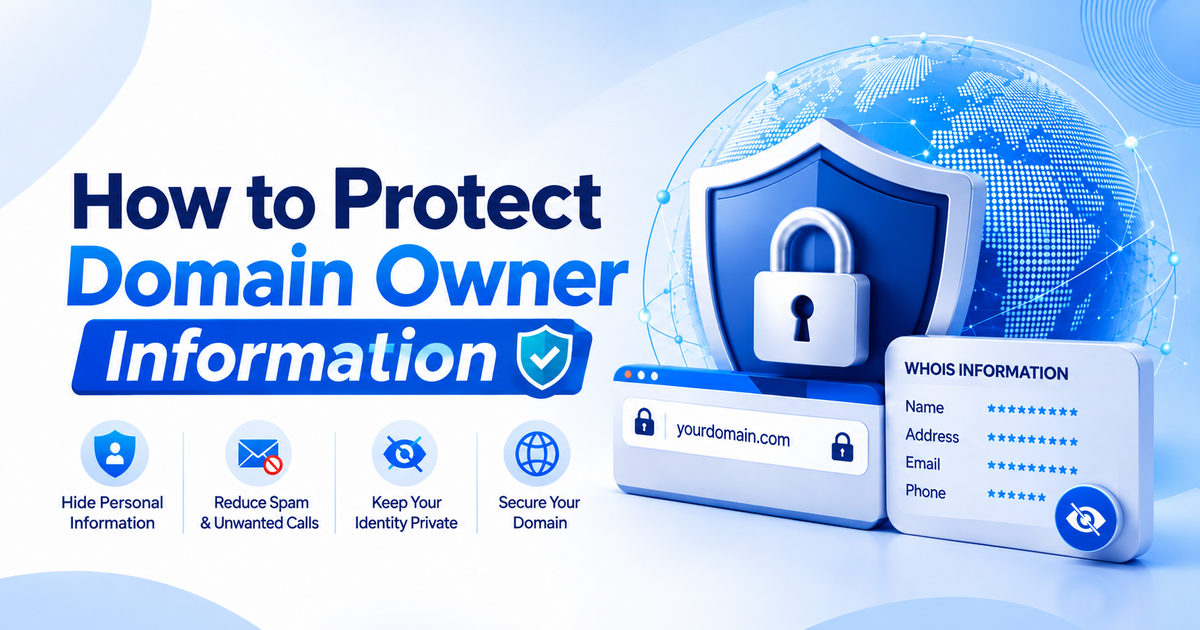
Learning how to protect domain owner information for small business starts with one simple fact: registering a domain means sharing contact details. Many small shop owners find this out the hard way. A domain is registered on Monday, and by Friday the inbox is full of strange offers and the phone rings with unknown numbers. Only then does the question appear: where did all these people find the business details?
The answer is often the public registration record. This guide explains what that record holds, why it attracts unwanted attention, and which six steps reduce the risk. Read them as a calm map for how to protect domain owner information for small business without technical stress.
What Is Domain Owner Information, and Why Does It Matter?
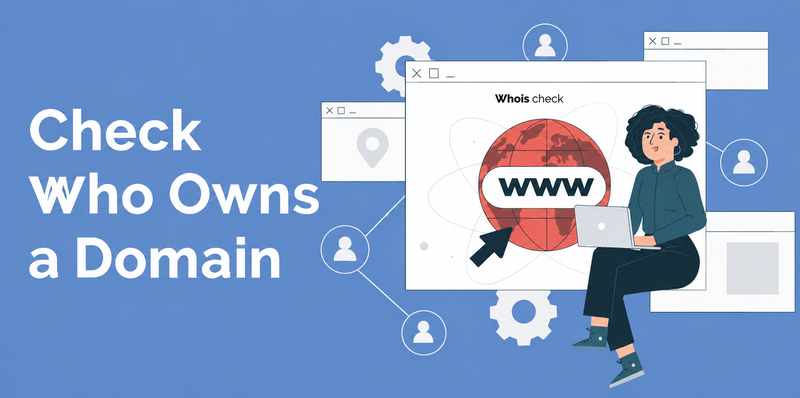
Domain owner information is the contact data you give a registrar when you register a domain. It matters because parts of it can become public. Understanding this background is the first step in how to protect domain owner information for small business.
What Registration Data Contains
Registration data is the hypernym. Its hyponyms are the individual fields: your name, postal address, email address, and phone number. According to ICANN’s summary of registrant rights and responsibilities, registrants must provide accurate and reliable contact details. For an organization, an authorized contact person is also required.
The public lookup service for this data is called WHOIS. A broader term used in ICANN policies is registration data directory services. Both terms point to the same idea: a place where registration details can be shown. How much is shown differs by registrar and by law. ICANN’s policy says redaction is mandatory only where needed to comply with applicable law, so the result is not the same everywhere.
Why Public Details Attract Spam and Scams?
A public record is easy to read, and a private record is not. Public and private are antonyms, and the gap between them is where trouble starts. When a real email address or phone number is visible, unwanted senders can find it. Common results include sales pitches, fake invoices, and messages that pretend to be your registrar.
For a small business, the damage is rarely dramatic. It is usually a slow flow of noise. The noise still costs time, and a fake renewal notice can lead to a real mistake. A calm plan for how to protect domain owner information for small business starts by reducing what strangers can see.
How Can You Protect Your Details From the Start?
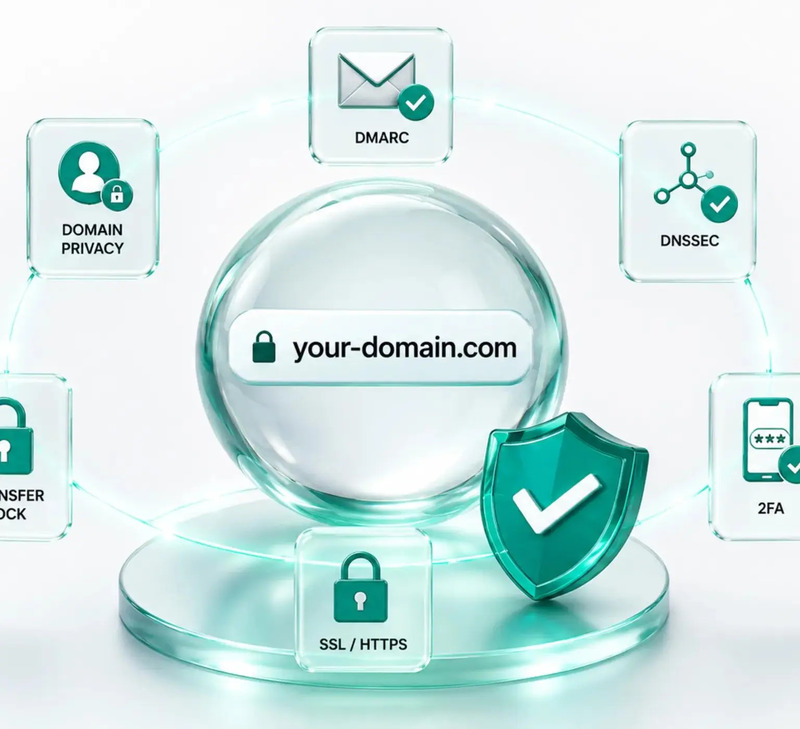
Use a privacy service, safe contact details, and a secure account from day one. Ways 1 to 3 cover these steps. They are the core of how to protect domain owner information for small business, and each one takes only a few minutes.
Way 1: Turn On Privacy Protection at Your Registrar
A privacy service replaces your personal details in the public record with alternative contact details. ICANN’s page on privacy and proxy services describes two kinds.
| Service | Who is the registrant? | What the public record shows |
| Privacy service | You, the customer | Your name, plus alternative contact details such as a mail-forwarding address |
| Proxy service | The service provider | The provider’s details, with no customer information |
The two are legally different. With a proxy service, the provider holds the domain and licenses its use to you. Read the terms before choosing, because providers must publish the conditions for showing your data and for ending the service. Also check whether the service is included in the registration or costs extra.
Way 2: Use a Business Email and Role-Based Contacts
A role-based contact is a shared mailbox tied to a job, not to one person. Examples include a domains mailbox or an admin mailbox. It keeps your personal inbox out of the record and survives staff changes.
Choose contact details that are real and reachable. Registrars require accurate details, so a made-up address is not a safe shortcut. Use a business address you can receive mail at, a business phone line, and an email you check weekly. A dedicated address also makes scams easier to spot, because any message sent to it should relate to the domain.
Way 3: Secure Your Registrar Account
The registration record is only one door. The registrar account is another, and it controls the domain itself. Protect it with simple habits:
- Use a long, unique password, stored in a password manager.
- Turn on two-factor authentication if the registrar offers it.
- Turn on a domain or transfer lock if the registrar offers it.
- Share the login with as few people as possible.
- Keep the recovery email protected as well.
Features differ by registrar, so check your own settings page. A private record and an unlocked account is like a locked window beside an open door.
What Keeps Your Details Safe Over Time?
Accurate records, scam awareness, and regular reviews keep protection working after the first setup. Knowing how to protect domain owner information for small business is a routine, not a one-time task.
Way 4: Keep Contact Data Accurate and Current
Privacy does not mean false details. ICANN’s page on keeping registration data accurate says registration agreements direct registrants to provide accurate and reliable contact details and to correct them within seven days of any change.
The same page lists the cost of ignoring this. Registrars must suspend or cancel a domain if the registrant knowingly provides inaccurate information, does not update it in time, or does not answer an accuracy inquiry within 15 days. Accurate and inaccurate are antonyms, and only the first keeps a business domain safe. A privacy service hides the details from the public. It does not excuse wrong details.
Way 5: Spot Renewal and Transfer Scams
Scam messages often copy the look of a registrar. Typical examples include a fake renewal notice, an urgent warning that the domain will expire, and an unexpected request to transfer the domain. Their goal is to move you to a fake page or to collect a payment.
A few habits reduce the risk:
- Check which registrar holds your domain, and compare the sender with it.
- Type the registrar’s address into the browser yourself, instead of using a link in the message.
- Compare any notice with the renewal date shown inside your account.
- Treat the transfer authorization code like a password, and never send it by email to a stranger.
A real notice and a fake notice can look alike, so the account page is the safer source of truth.
Way 6: Review Settings at Renewal and Ownership Changes
Set a yearly reminder to review your record. Check the contact email, the phone number, the privacy setting, and the list of people with access. Do the same review when staff leave, when the business changes owner, or when you move to a new registrar.
The email in your account matters more than it seems. ICANN’s summary notes that when a privacy or proxy customer’s data is not escrowed, future notices may go only to the contact details in the registrar’s database. A forgotten old address could mean a missed renewal. That small check completes the plan for how to protect domain owner information for small business.
Conclusion
Protecting a domain starts with understanding what the registration record holds. Turn on privacy protection. Use a business email and role-based contacts. Lock down your registrar account. Keep the details accurate, watch for fake notices, and review the record every year. These six ways can turn a stressful problem into a simple routine. Many small shop owners wish they had known these steps before the first spam email arrived. Keep the checklist close, and how to protect domain owner information for small business becomes a clear habit rather than a worry.
FAQ
1.What is WHOIS, and who can see it?
WHOIS is a public lookup service for domain registration data. What it shows depends on the registrar and on applicable law. ICANN’s policy says redaction is mandatory only where needed to comply with law, so two domains can show different details. Privacy protection is the main answer to how to protect domain owner information for small business when details are visible.
2.Is domain privacy protection free?
It depends on the registrar. Some include it with the registration, and others charge for it. Read the registrar’s terms and the checkout page before you decide. Providers must also publish the conditions for showing your data and for ending the service, so read those terms too.
3.Can you hide domain owner information completely?
Not completely. The registrar still holds your contact details, and accuracy rules still apply. Privacy services reduce what the public sees. They do not remove the record. ICANN also runs a service for requests for nonpublic registration data, so legitimate requesters have a formal route to ask for details.
4.Can you use fake contact details to stay private?
No. According to ICANN, registrars must suspend or cancel a domain when the registrant knowingly provides inaccurate information. A fake address may feel private, but it risks the domain itself. A privacy service is the safer way to answer how to protect domain owner information for small business.
