
Email Marketing, BLOG, Marketing & SEO
What Is Mailchimp Used For? 7 Valuable Business Benefits
Nov
Running a business involves more than finding new customers. You also need to manage contact information, share updates, promote products, and build relationships with existing buyers. Handling all these tasks manually can take time, especially as your audience grows.
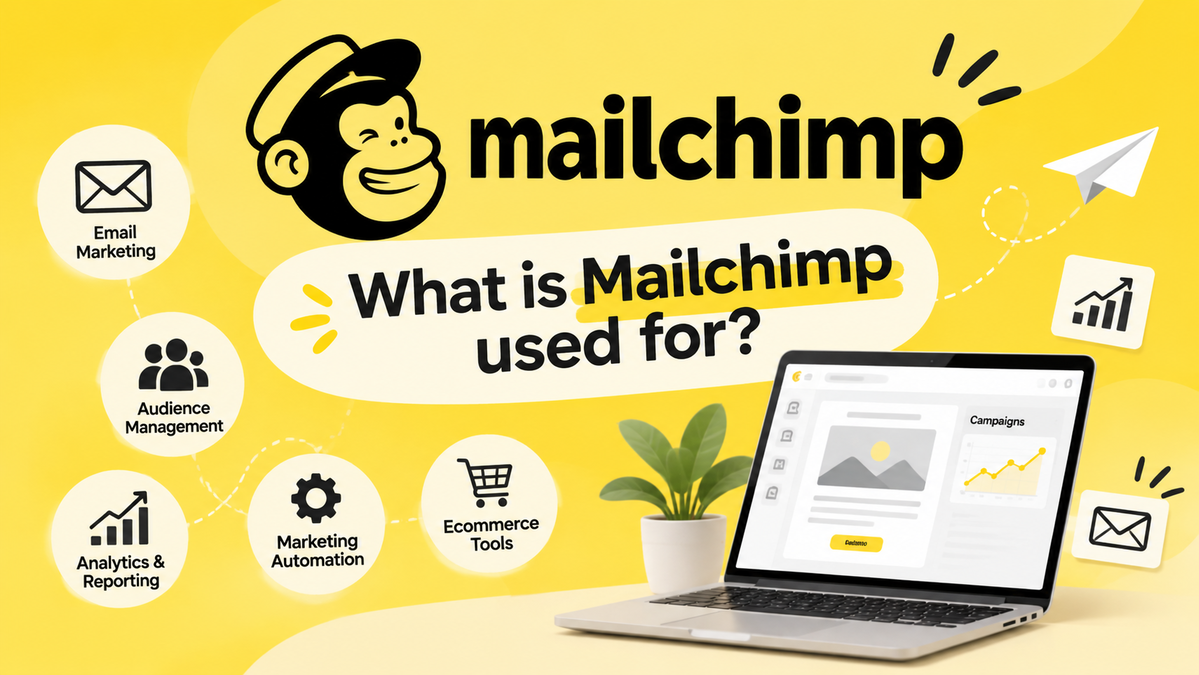
Mailchimp offers tools to make these marketing activities easier to manage. It is a digital marketing platform that supports email campaigns, subscriber management, marketing automation, and campaign analytics. Businesses can also use features such as landing pages, signup forms, and marketing integrations to connect with potential customers.
So, what is Mailchimp used for in everyday business activities? It helps businesses organize their marketing, communicate with different customer groups, and understand campaign results. This guide explores its main uses and explains who can benefit from the platform.
What Is Mailchimp Primarily Used For?

Mailchimp is widely recognized as an email marketing platform, but its capabilities go beyond sending promotional messages. It provides businesses with email marketing tools to create campaigns, manage subscriber information, and maintain regular communication with their audiences. Users can also organize contacts into audience segments, automate follow-up messages, and review marketing reports. These features help businesses understand their customers, share more relevant content, and improve customer engagement. Whether you run a small business, an online store, or a growing organization, Mailchimp can bring several marketing activities together in one place.
What Else Can You Do With Mailchimp Beyond Email Marketing?
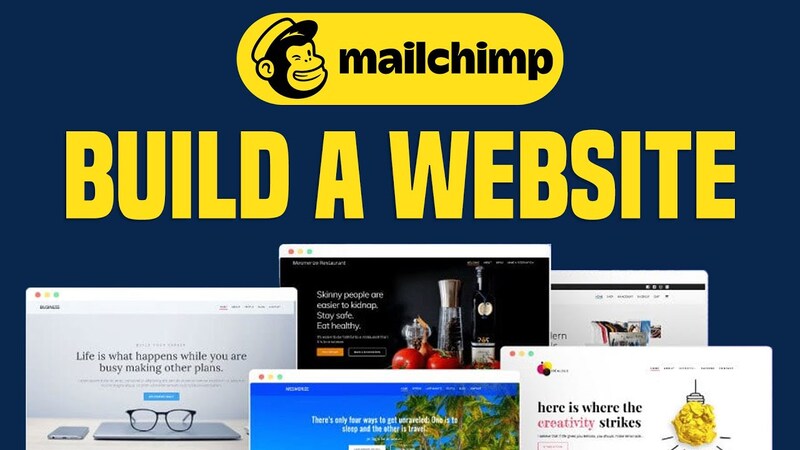
Email campaigns are a major part of Mailchimp, but they are not the platform’s only marketing tools. Businesses can also use lead generation tools, customer communication features, and performance reports to support their marketing activities. These features help connect different stages of the marketing funnel, from attracting potential subscribers to maintaining relationships with existing customers.
Creating Landing Pages and Signup Forms
Businesses often need simple ways to introduce an offer or collect subscriber information. Mailchimp provides landing page builders and signup forms to support these goals.
A landing page is a standalone web page designed around one main action. For example, a small business could create a page to promote a new service, announce an event, or introduce a special offer. It can include headlines, product information, images, and call-to-action buttons that guide visitors toward the next step.
Signup forms help businesses collect subscriber details, such as names and email addresses, from people who want to receive updates. These forms can be added to websites or used in other supported placements to grow an email list.
Together, these lead capture tools connect website visitors with email marketing. Once people subscribe, businesses can organize their contact information and send relevant newsletters, promotional messages, or product updates.
Supporting Customer Relationships and Ecommerce Marketing
Another answer to what is Mailchimp used for is supporting customer relationships through organized marketing activities. Businesses can use customer profiles, purchase history, and available audience information to communicate with customers before and after a purchase. Understanding what is Mailchimp used for in ecommerce marketing also helps store owners see how customer data can support more relevant campaigns.
For ecommerce stores, supported integrations can connect Mailchimp with platforms such as Shopify and WooCommerce. Depending on the integration and setup, businesses may use available order data and customer information to create targeted campaigns and automated messages.
For example, an online store could announce new arrivals to interested subscribers or send post-purchase emails after an order. It may also group buyers based on shopping behavior, product interests, or previous purchases. These activities show how what is Mailchimp used for goes beyond sending promotional emails and can support communication throughout the customer journey.
Mailchimp includes CRM-related features, such as contact organization and audience insights. However, it is primarily a marketing platform rather than a complete replacement for a dedicated customer relationship management system. Businesses that need advanced sales pipeline management, detailed customer records, or complex service workflows may need a separate CRM tool.
Tracking Campaign Performance and Marketing Results
Sending an email is only one part of marketing. Businesses also need to understand how subscribers interact with their messages and which campaigns perform well.
Mailchimp provides campaign analytics and performance reports that help users review available metrics, including:
- Email open rate: The rate of recorded email opens.
- Click-through rate (CTR): How often recipients click links in a campaign.
- Subscriber engagement: How people interact with marketing messages.
- Conversion tracking: Actions attributed to campaigns when tracking is properly configured.
For example, if a newsletter receives clicks on product links, a business can review its email content, subject line, and call to action to understand what may have attracted attention.
These marketing insights help businesses evaluate their campaigns and make better decisions. However, metrics should be interpreted carefully. Privacy features can affect open data, while conversion tracking depends on available integrations and configuration.
Who Should Use Mailchimp and When Does It Make Sense?
Understanding what is Mailchimp used for can help you decide whether the platform fits your business needs. Mailchimp can support small businesses, ecommerce stores, content creators, and nonprofit organizations that want to manage customer communication and build stronger audience relationships. The right features depend on your marketing goals, audience size, and budget.
Small businesses can benefit from having a simple way to manage subscribers and communicate with customers. Mailchimp allows them to create email newsletters, organize contact lists, schedule campaigns, and share business updates without preparing every message manually.
For example, a local shop can send monthly product announcements and special offers, while a consultant can share industry insights or helpful tips with subscribers. These regular interactions help businesses stay connected with their audiences and maintain brand awareness.
If you are new to email marketing, you do not need to explore every feature at once. Start by creating a signup form, building an email subscriber list, and sending useful newsletters regularly. As your audience grows, you can introduce audience segmentation and automated email workflows to make your campaigns more relevant and efficient. This gradual approach helps you build a practical email marketing strategy without making the process too complicated.
Conclusion
Conclusion
So, what is Mailchimp used for? It is mainly used for email marketing, but it can also help businesses manage contacts, organize audiences, automate communication, create landing pages, support ecommerce campaigns, and review marketing performance. Understanding what is Mailchimp used for helps businesses see how these tools can support their daily marketing activities.
For small businesses, online stores, creators, and organizations, Mailchimp offers tools to manage several digital marketing activities in one place. Whether you want to know what is Mailchimp used for in email marketing or how it supports customer engagement, its usefulness depends on your goals, audience, budget, and existing tools.
You do not need to use every feature at once. Start with the activities that matter most, such as building an email list or sending regular newsletters. As your needs grow, you can explore marketing automation, customer segmentation, and campaign reporting to create a more organized strategy.
Ultimately, knowing what is Mailchimp used for can help you decide whether this marketing solution is the right choice for your business.
Frequently Asked Questions
1. What Is Mailchimp Mainly Used For?
Mailchimp is mainly used for email marketing, audience management, and marketing automation. Businesses can create email campaigns, manage subscriber information, organize contacts into segments, and automate certain customer communications.
2. Is Mailchimp Only Used for Email Marketing?
No. Besides email marketing, Mailchimp offers landing pages, signup forms, contact management, automation, and campaign reporting. These tools help businesses attract subscribers, organize their audiences, and review marketing results. Available features depend on the account plan and configuration.
3. Can Beginners Use Mailchimp for Their Business?
Yes. Beginners can start with basic email marketing tasks, such as creating a subscriber list, designing newsletters, and sending campaigns. They can explore more advanced tools, including audience segmentation and automated workflows, as their marketing needs develop.
4. Is Mailchimp a CRM or an Email Marketing Tool?
Mailchimp is primarily an email marketing and digital marketing platform with CRM-related contact management features. It helps businesses organize audience information and manage marketing communication. Businesses that need advanced sales pipeline management or complex customer relationship tools may require a dedicated CRM system.
