Facebook Advertising, BLOG, Marketing & SEO
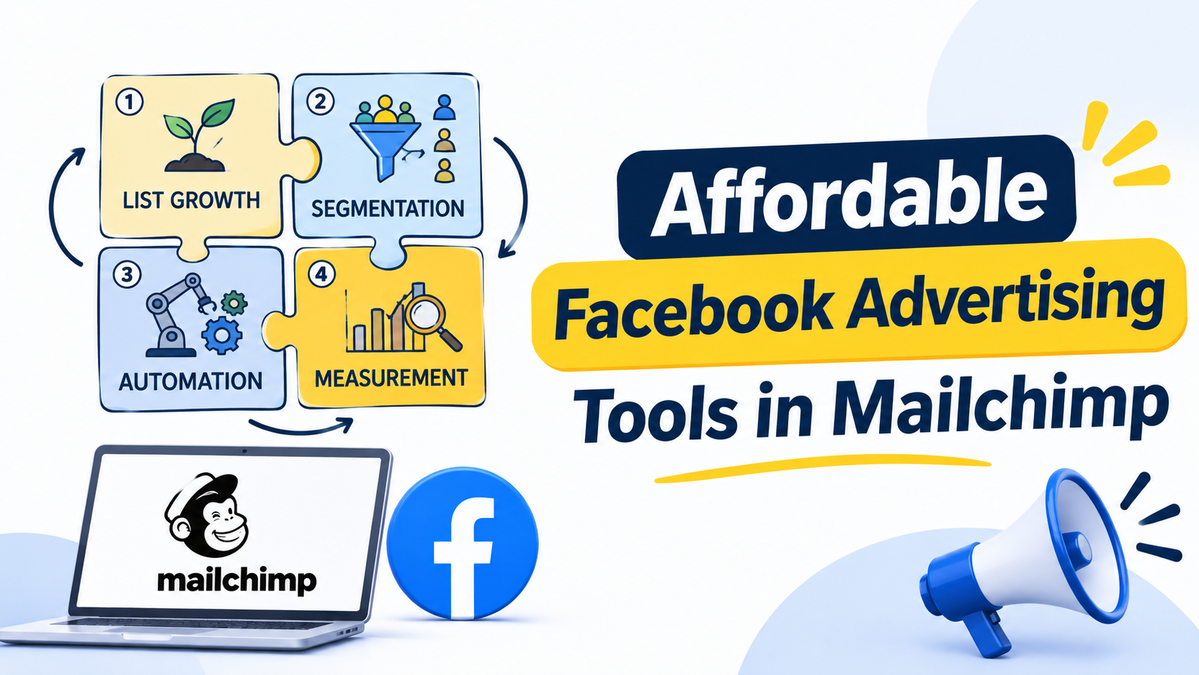
Affordable Facebook Advertising Tools in Mailchimp: 5 Smart Ways
Nov
When I first started running Facebook ads, my budget was small, and every dollar mattered. I was careful with every click because I didn’t want to waste money on tools I didn’t really need. All I wanted was an affordable way to reach more customers without making advertising feel too complicated. I just didn’t know which Mailchimp features I could already use.
If you’re facing the same challenge, this guide will help. Here are five practical ways to explore affordable Facebook advertising tools in Mailchimp for small business. Mailchimp helps organize your contacts and audiences, while Meta handles your ads. Once you understand how the two platforms work together, it’s easier to find the right affordable Facebook advertising tools in Mailchimp and make the most of your budget.
What Makes Facebook Advertising Tools in Mailchimp Affordable?
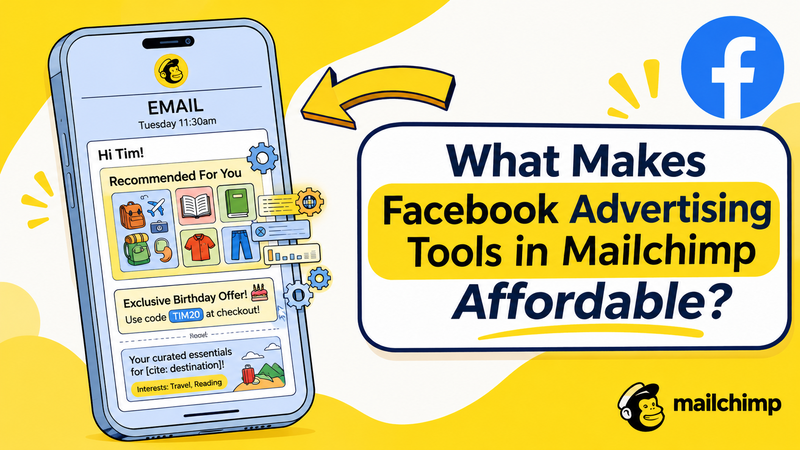
Affordable Facebook advertising tools in Mailchimp start with one fact. Every Marketing plan can install the Meta Business Extension. It links your contacts to Meta, so you reuse data you already own.
What Every Marketing Plan Already Includes
The Essentials plan and the Standard plan both install the extension. It connects your Mailchimp account to one Meta business account. You then sync your customer list as a Custom Audience.
To connect, you need three items:
- An active Meta Business Manager account
- A Meta ad account
- A customer list Custom Audience
Essentials also gives you automation flows of up to 4 steps. These parts are meronyms of the whole toolkit, the holonym. They are the first affordable Facebook advertising tools in Mailchimp for small business. Some Meta and Instagram features still depend on your plan.
What Costs Extra: Ad Spend and Standard Features
Two things cost more. The first is your ad spend. You pay Meta for paid ads, and posts you do not pay for stay organic posts. That bill is separate from your Mailchimp plan.
The second is the Standard plan. It adds flows with up to 200 steps, the Meta Custom Audience action, and Conversion Insights with a connected store. Pre-built segments need a connected store too. Prices change often, so check Mailchimp’s pricing page. Know these extras before you judge affordable Facebook advertising tools in Mailchimp.
Which Mailchimp Ecommerce Features Save Your Money on Ads?
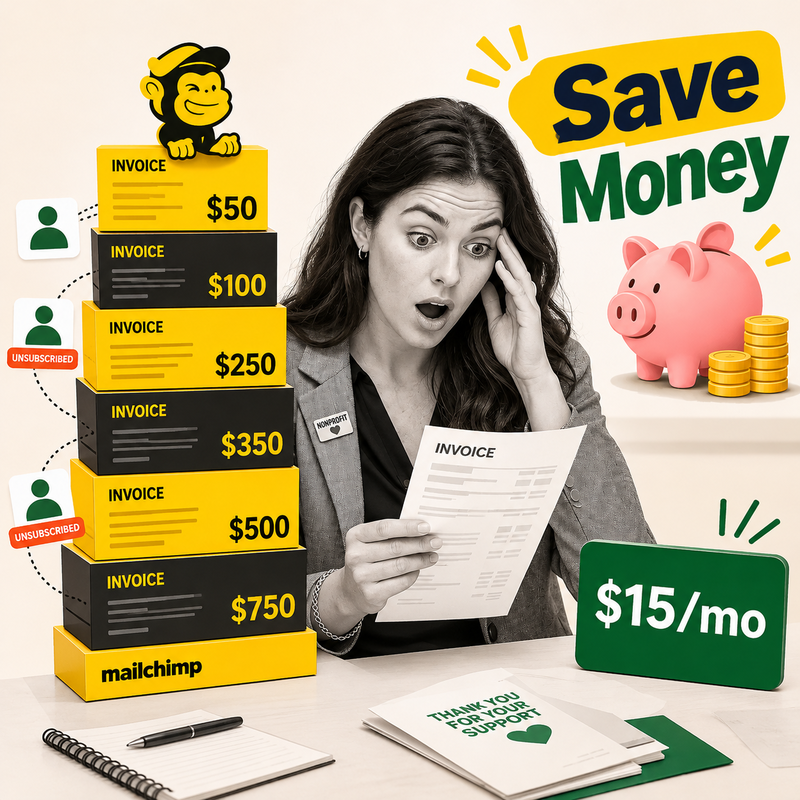
Three ecommerce features cut waste: pre-built segments, automation flows, and store reports. Each one makes affordable Facebook advertising tools in Mailchimp work harder for your budget.
Pre-Built Segments From Your Store Data
With a connected store, Mailchimp offers six ready-made groups: First-time Customers, Repeat Customers, Lapsed Customers, High-value Customers, Recent Customers, and Potential Customers. These six are hyponyms of segments, the hypernym.
Each group is a smaller, warmer audience. A small audience costs less to reach than a whole city. It is one of the most affordable Facebook advertising tools in Mailchimp for small business. These groups need e-commerce data, so connect your store first.
Automation Flows and the Custom Audience Action
A flow reacts to what customers do. On the Standard plan or higher, a flow can use the Meta Custom Audience action. It sends matching contacts to Meta for you. That saves hours of manual list work.
Standard also adds up to 3 triggers, a conditional split of up to 5 conditions, a percentage split, and a webhook action. Essentials keeps flows short, at 4 steps. Start simple, and upgrade only when a flow needs more room.
Ecommerce Reports and Conversion Insights
Reports show which emails lead to sales. Open Analytics, then Reports, then View Report, then the E-commerce tab. Net revenue there leaves out shipping and taxes.
With the Standard plan, a connected store, and Conversion Insights, you also see revenue per recipient and predictive segments. Clear numbers stop guesswork. Fewer wasted clicks keep affordable Facebook advertising tools in Mailchimp truly affordable.
How Do You Keep Facebook Ad Costs Low as a Small Business?
Three habits keep costs low: start small, aim at warm customers, and pause weak ads. These habits turn affordable Facebook advertising tools in Mailchimp into steady, low-risk results.
Start With a Small Daily Budget in Meta
Meta sets the budget, so you choose it in Meta’s tools. Mailchimp’s help pages do not describe those screens. Follow Meta’s own guides for the steps.
At the end of the connection, click Create Ad to build a new ad. Or click Done and build it later. Pick one image, one short message, and one button. Keep the daily amount small until the ad proves itself. A small test costs little and teaches a lot.
Aim at Warm Customers First
People who already know you click more often than strangers. So start with your own Custom Audience. Try Repeat Customers or Lapsed Customers first. A win-back ad is a hyponym of the wider ad campaign, and it targets lapsed buyers.
Use only contacts who agreed to receive marketing. Clean your list first. Clean data helps Meta match more people. Messy data wastes money. This habit makes affordable Facebook advertising tools in Mailchimp for small business much more useful.
Pause What Does Not Work
Meta runs the ads, so you pause an ad in Meta’s tools. Check four numbers each week: reach, click-through rate, cost per click, and conversion rate. Compare each ad with its goal.
Launch and pause are antonyms, and you need both. Pause an ad after a fair test. Change one thing at a time. That is how affordable Facebook advertising tools in Mailchimp stay affordable.
Conclusion
Affordable Facebook advertising tools in Mailchimp for small business come down to five smart ways. Use the extension on your plan. Count the extras. Pick ecommerce segments. Aim at warm customers. Pause weak ads. Mailchimp supplies the customer list and the reports, and Meta supplies the stage. Start small, watch the numbers, and let affordable Facebook advertising tools in Mailchimp grow with your shop. I hope your first budget feels lighter than mine did.
FAQ
1.Are Facebook advertising tools in Mailchimp affordable for small business?
Many are. Every Marketing plan can install the Meta Business Extension, which makes affordable Facebook advertising tools in Mailchimp a low-barrier start. Ad spend and Standard features cost extra.
2.Do I need the Standard plan to run Facebook ads from Mailchimp?
No. Essentials connects Meta and syncs your audience. Standard adds the Custom Audience action, Conversion Insights with a connected store, and longer flows. Upgrade only when you want those tools.
3.Does Mailchimp charge for the Facebook ads themselves?
Ad spend goes to Meta for the ads Meta delivers. Your Mailchimp plan fee is separate. Count both bills when you price affordable Facebook advertising tools in Mailchimp, and check each pricing page.
4.Which Mailchimp ecommerce features help target ads better?
Three help most. Pre-built segments group customers with store data. The Custom Audience action sends contacts to Meta on Standard or higher. Conversion Insights adds revenue per recipient and predictive segments.
